
Resize Images
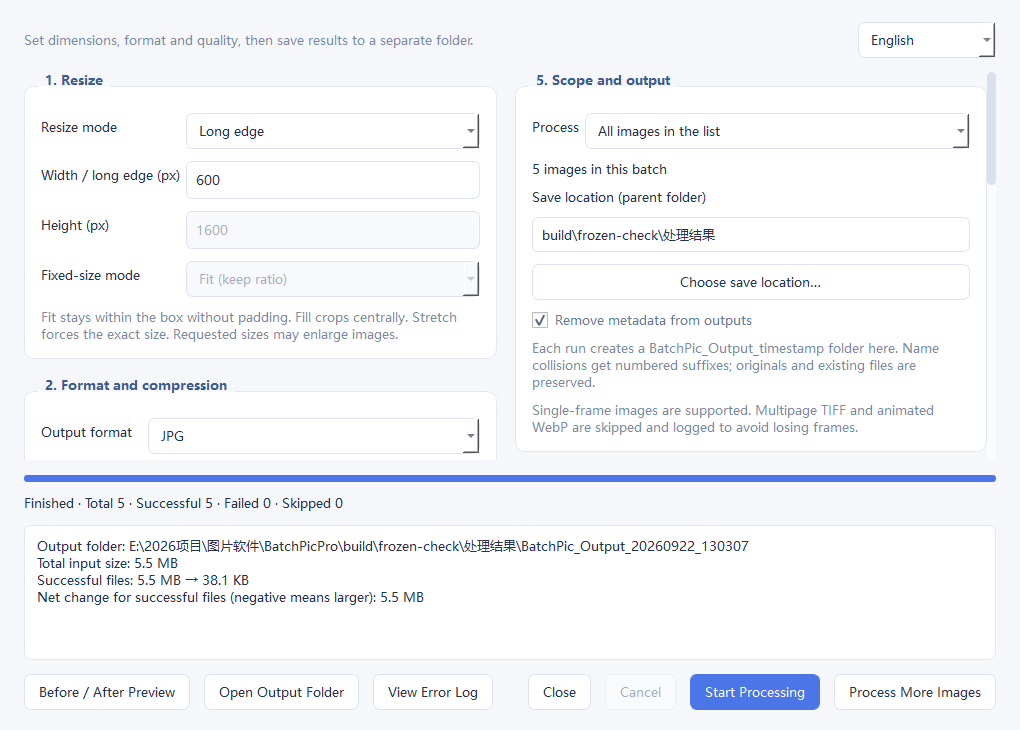
Set width, height, longest edge or a fixed canvas.
Image tools
Batch processing without the complexity.
Resize, compress, convert, rename and watermark hundreds of images in one batch.
Free forever. No subscription or paid upgrade.
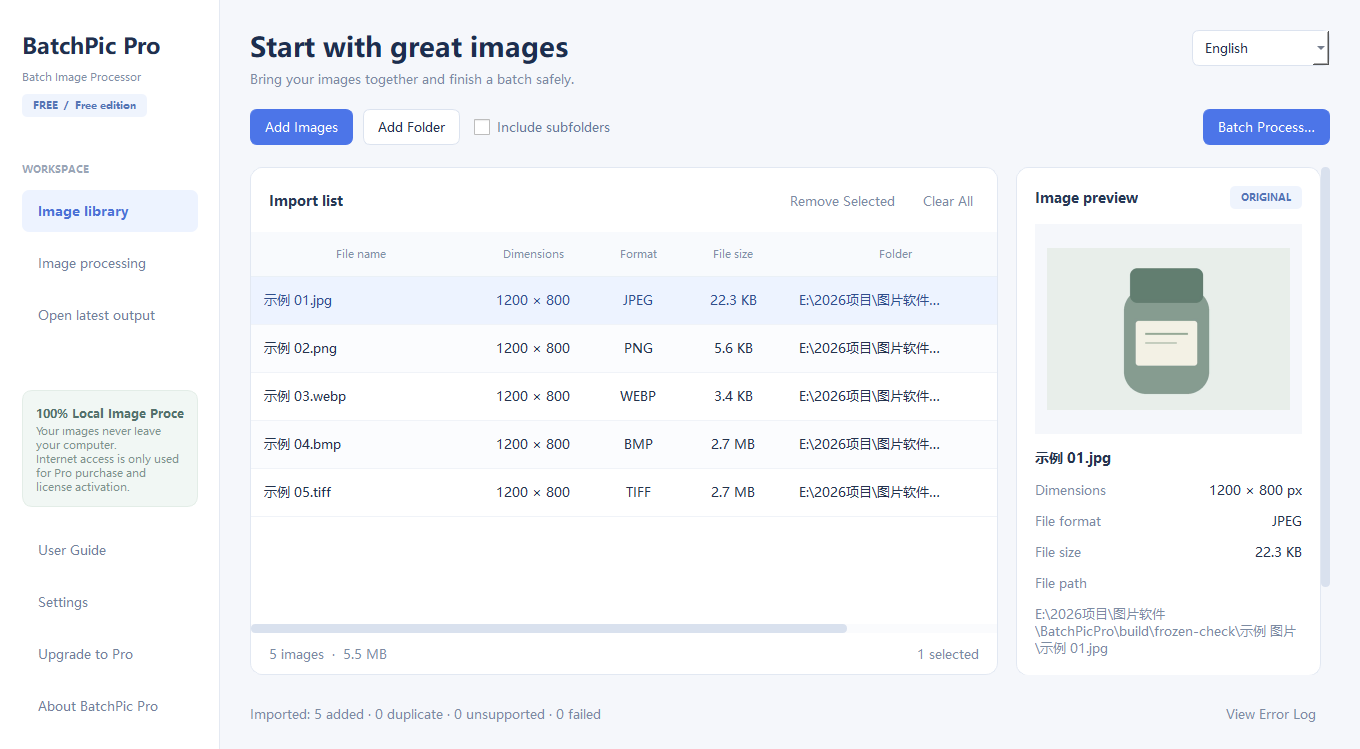 Actual application screenshot
01 / FREE EDITION
One complete edition. No paywall.
| Feature | Free Forever |
|---|---|
| Resize images | Included |
| Compress images | Included |
| Convert formats | Included |
| Batch rename | Included |
| Text & image watermarks | Included |
| Remove metadata | Included |
| English & Simplified Chinese | Included |
| Images per batch | 20 |
| License term | Forever |
| Price | $0 |
| Subscription | None |
The software is free forever with no subscription, paid upgrade or activation.
02 / WHAT IT DOES
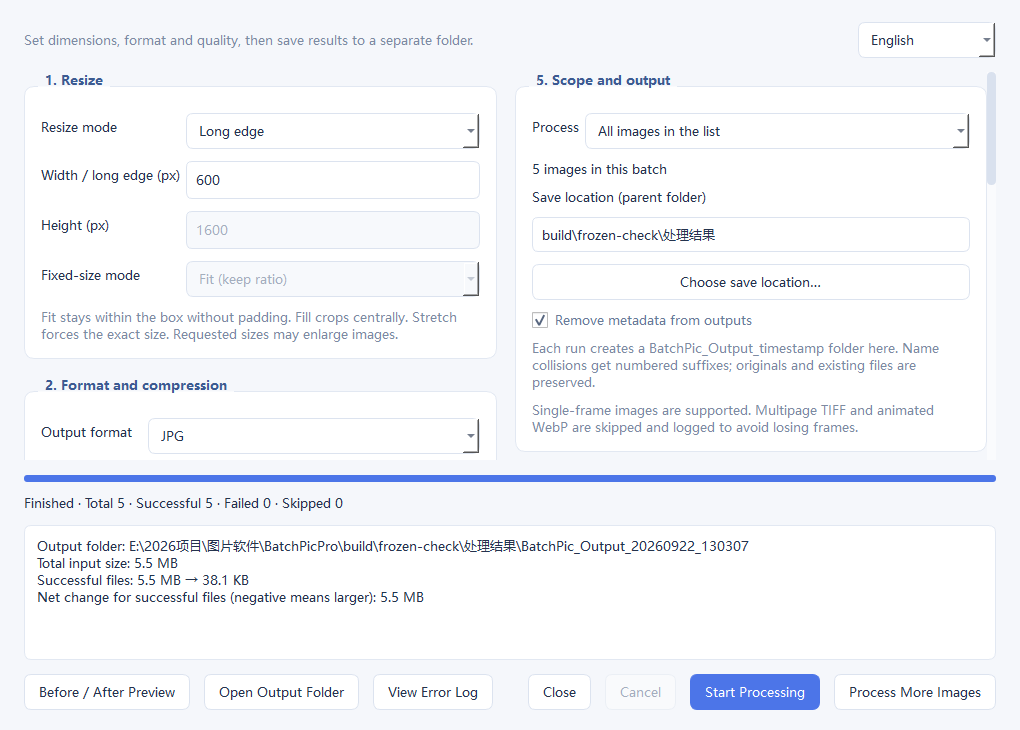
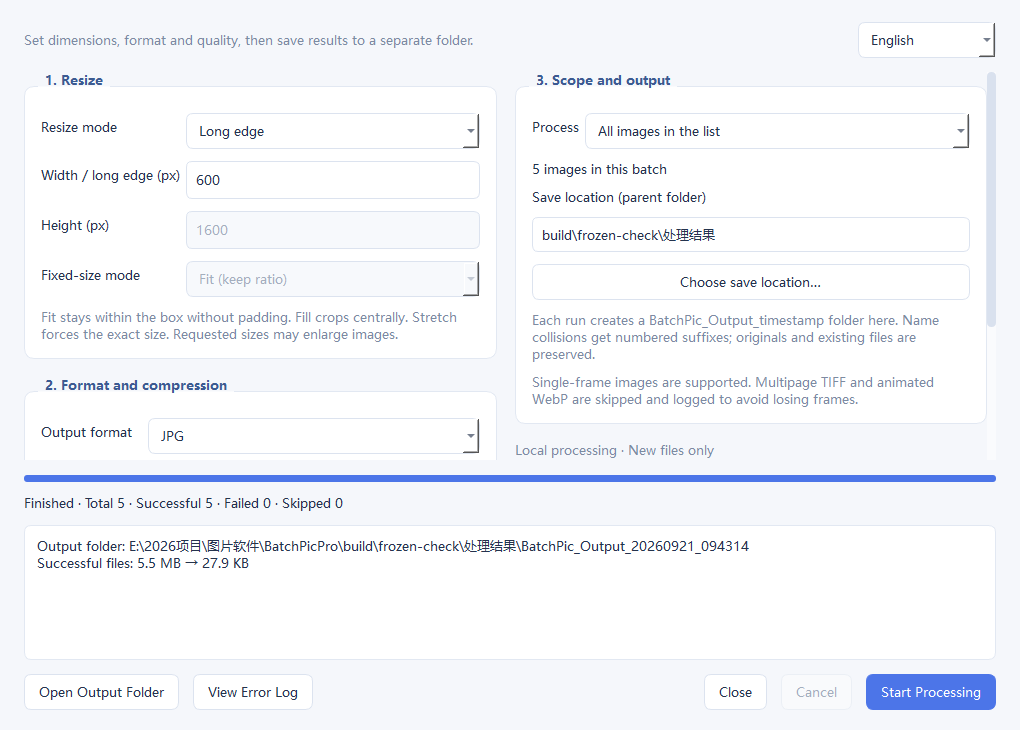
Set width, height, longest edge or a fixed canvas.
Choose output quality and keep the right balance of size and clarity.
Work with JPG, JPEG, PNG, WebP, BMP, TIFF and TIF.
Use prefixes, suffixes or a numbered sequence.
Place text or an image watermark with control over position and opacity.
Clean privacy metadata before sharing or publishing.
03 / PURPOSE AND USAGE
A simple five-step workflow.
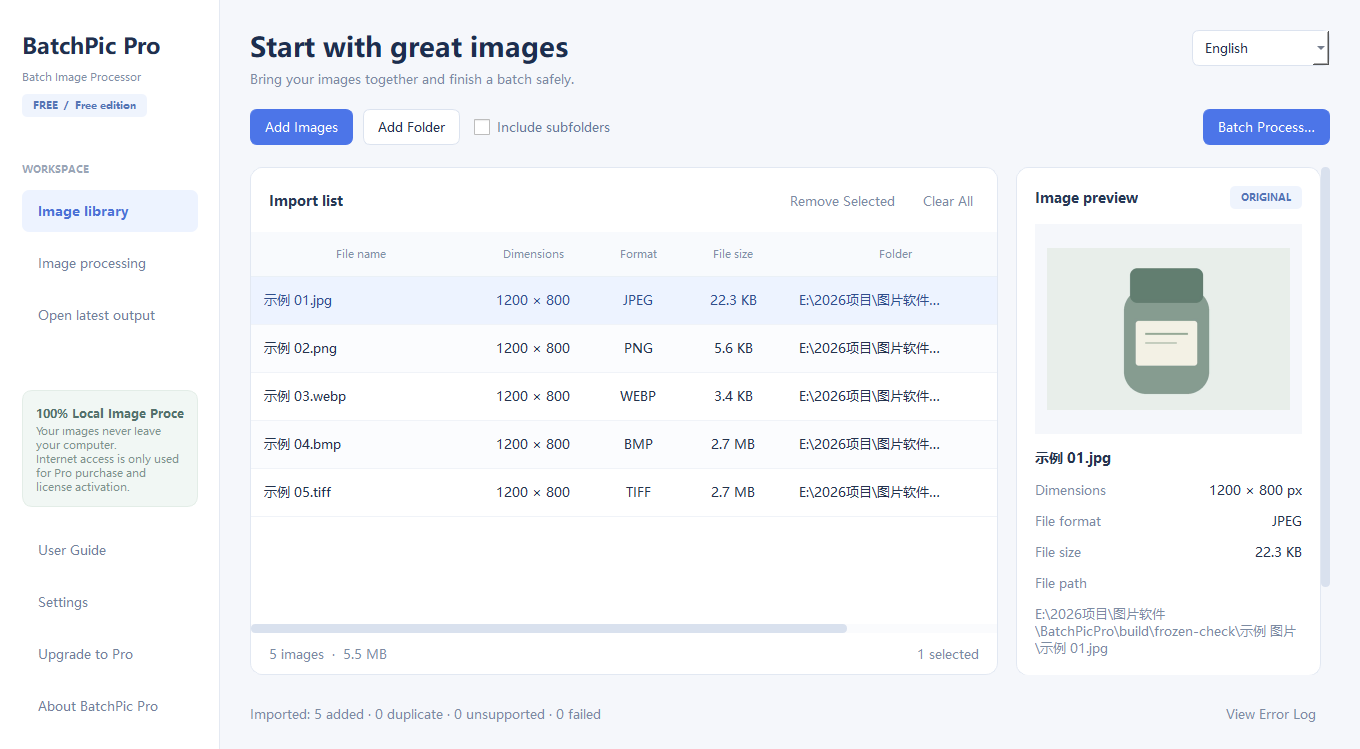
Use BatchPic Pro to resize, compress, convert formats, rename files, add watermarks and remove metadata before sharing or publishing.
04 / PRIVACY BY DESIGN
BatchPic Pro processes images locally. Your images are not uploaded to Zorelio Works servers.
The software is free and does not require an account, purchase or activation.
05 / REAL SOFTWARE SCREENSHOTS
06 / SYSTEM REQUIREMENTS
07 / FAQ
Yes. It is free forever and supports up to 20 images per batch.
No. Download the software and use it without an account, purchase or activation.
No. Image processing happens locally on your computer.
The software remains free. Clearly labelled advertising and licensed music support the website.